

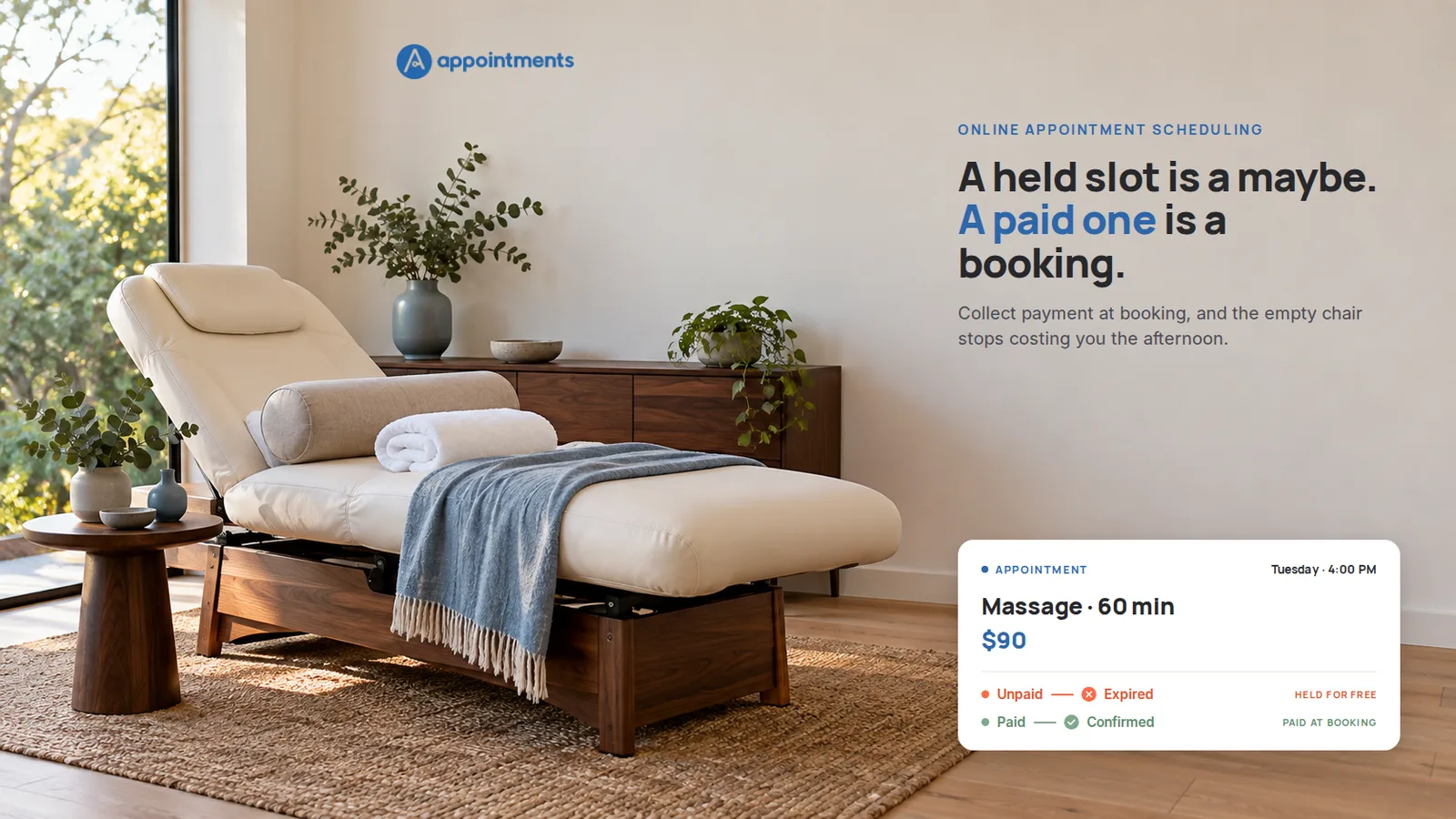
It is a Tuesday, a little after four. The chair in the corner should have someone in it. On Monday, a new client picked the 4:00 slot, chose the sixty-minute massage, and clicked to book. "Pay when I come in," the page said, more or less. She did not come in. She did not call. The hour passed with the chair empty and the ninety dollars still theoretically owed, which is another way of saying gone.
Here is the part worth sitting with: she is not the villain. The process is. Booking cost her nothing, paying came later, and between those two moments there was nothing at stake. A hold with no money behind it is a maybe wearing the costume of a commitment. When the maybe falls through, the slot falls with it, and no report on your dashboard will show you the afternoon you lost.
The fix is not a sterner cancellation policy or a reminder sent one more time. It is a change to the process itself: make booking and paying a single step, and let an unpaid hold expire on its own. That is what good online appointment scheduling should settle before it does anything else, and it is what the rest of this page is about.
Why a free hold is never a real booking
A no-show is usually described as a client problem. It is really a design problem.
When a slot can be reserved for free, you are asking a stranger to hold time they have not paid for and may not have decided on. Some will show. Some booked three places for the same Tuesday and will pick one. Some meant it on Monday and forgot by Wednesday. You cannot tell them apart, so you hold the slot for all of them, and you carry the cost of the ones who evaporate.
None of that is a character flaw. It is what happens when the easiest action in your calendar, reserving your time, is the one with no consequence attached. The client is not the enemy here. A clearer process protects both sides: they know exactly what they committed to, and you know the afternoon is real.
What online appointment scheduling should actually settle
Move the payment to the moment of the booking, and the whole shape of the problem changes.
The client picks the time and pays in the same step. The money goes straight to your own connected Stripe account, with no marketplace sitting in the middle taking a slice. And if a reservation is started but not paid, it does not linger as a question mark on your calendar. The hold releases on its own after about ten minutes, and the slot goes back up for someone who will actually take it.
A slot that has been paid for is a different object than a slot that has been promised. It is a commitment with money behind it. That will not erase every no-show, and any tool that promises it would be lying to you. What it does is remove the free maybes, the ones that were never going to show, and those are the ones quietly costing you the most.
There is no awkward ask in any of this. You are not chasing a card number after the fact or sending the "just following up on payment" message that nobody enjoys writing. The page collects it while the client is already deciding to book. The register does the asking.
| A held slot | A paid slot |
|---|---|
| Reserved for free, nothing at stake | Paid for at booking, into your own account |
| A no-show costs you the whole hour | The slot was already collected |
| You chase payment afterwards | The page asked while they booked |
| Unpaid holds sit as maybes | An unpaid hold expires on its own |
| The month depends on you watching it | The diary holds up when you are away |
What changes in your week
The single-step booking is the core of it. What sits around it is what keeps the calendar honest on the days you are not watching it.
Confirmations send themselves. When the payment lands, the booking is confirmed and the confirmation email goes out on its own. You do not open your laptop between clients to reply "yes, see you then." Reminders follow the same way, by email, so the appointment is not forgotten on either side. No SMS, no WhatsApp to wire up, just the email that lands where people already look.
Existing bookings can still be squared up. Not every appointment starts online. Someone books over the phone, a walk-in wants next week, you add it yourself. For a booking already on the calendar, you can send that client a secure payment link so they settle it before the day, instead of hoping they bring cash.
Regulars get collected by one link. The client who comes every second Tuesday should not be re-invoiced by hand each month. A recurring client's month can be gathered into a single payment link that goes out on its own, and they tap it once to pay the month. You are not re-entering the slot or re-sending the invoice every cycle.
Put together, that is a diary that does its own admitting, confirming and collecting, so the money is not waiting on you to remember it.
How this works in Appointments
Appointments was built around this one idea: the moment someone picks a time is the moment to collect for it.
On the Professional plan, your public booking page takes payment at the point of booking and sends it to your own Stripe account, with no cut taken on top. A reservation that is not paid releases automatically after about ten minutes. Once payment clears, the booking is confirmed and the client gets the confirmation without you touching it. Reminders go out by email as the date approaches.
For a booking that started off the page, you can generate a payment link and send it to the client. For a standing client, the month can be collected with one recurring link rather than a fresh invoice every time. The client still taps the link to pay; there is no stored card being charged silently in the background, and the copy on your page should never suggest otherwise.
A couple of honest boundaries. Reminders and confirmations are by email, not text message. And the recurring link collects the month in one place, but the client is the one who taps it. Said plainly so nobody is surprised on day thirty.
Trial it for thirty days without a card. When it ends, your account pauses rather than vanishing, and you can cancel any time.
The check before you trust a tool with your calendar
Three questions separate a scheduling tool that protects your afternoons from one that just displays them:
- Does it take payment in the same step as the booking, or does paying come later, as a separate hope?
- Does an unpaid hold expire on its own, or does it sit on your calendar as a maybe until you notice and clear it?
- Does the money go to your own account, or through a marketplace that takes a share of every booking?
If the answer to all three is yes, the empty chair stops being a monthly tax you pay for no reason. If any answer is no, you are still carrying the cost of the process, not the client.
For the mechanism underneath, see how a booking gets confirmed only after it is paid, the ten-minute hold and its edge cases included. For the line between a booked time and a paid one on the page itself, see what a booking page actually is. If massage is your trade specifically, there is a page on how this fits a massage practice, and the pricing page lays out what each plan includes.
Start free
The chair in the corner is the most expensive thing in the room when it is empty for a reason you designed away years ago. Move the payment to the booking, let the unpaid holds expire, and the slot becomes a commitment instead of a wish.