

1
Clients book and pay for the session
They pick a slot on your booking page and pay right there, no account needed. The session confirms only when the payment does.
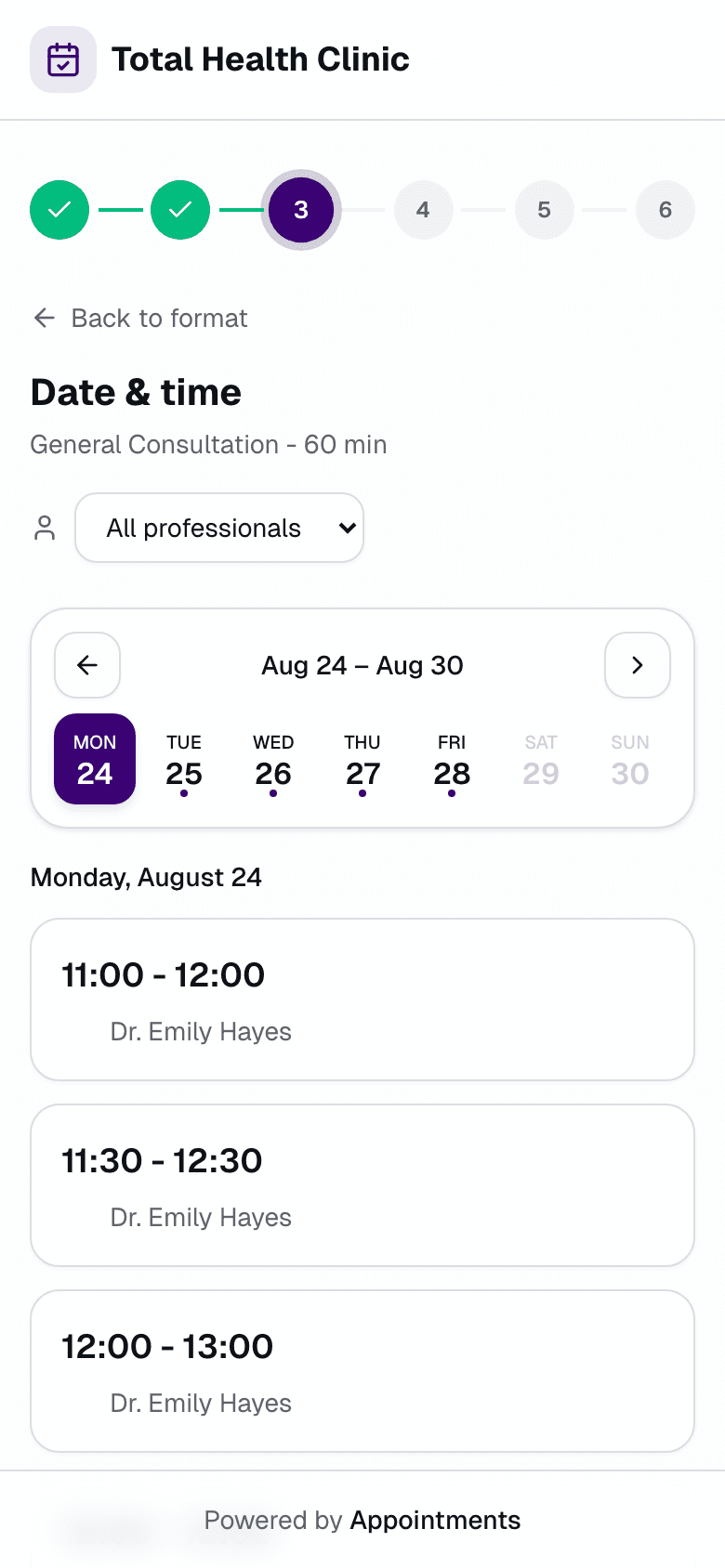


Clients pay at booking. Weekly slots repeat on their own. One link collects the month.
Get startedSessions paid one at a time make skipping feel cheap. A client cancels late, the slot sits empty, and that money never arrives. Appointments flips the order: clients pay when they book. The weekly slot you set repeats on its own, and one link collects the month's sessions.
Weekly clients repeat, time off closes slots, clashes get one-click fixes.
They pick a slot on your booking page and pay right there, no account needed. The session confirms only when the payment does.
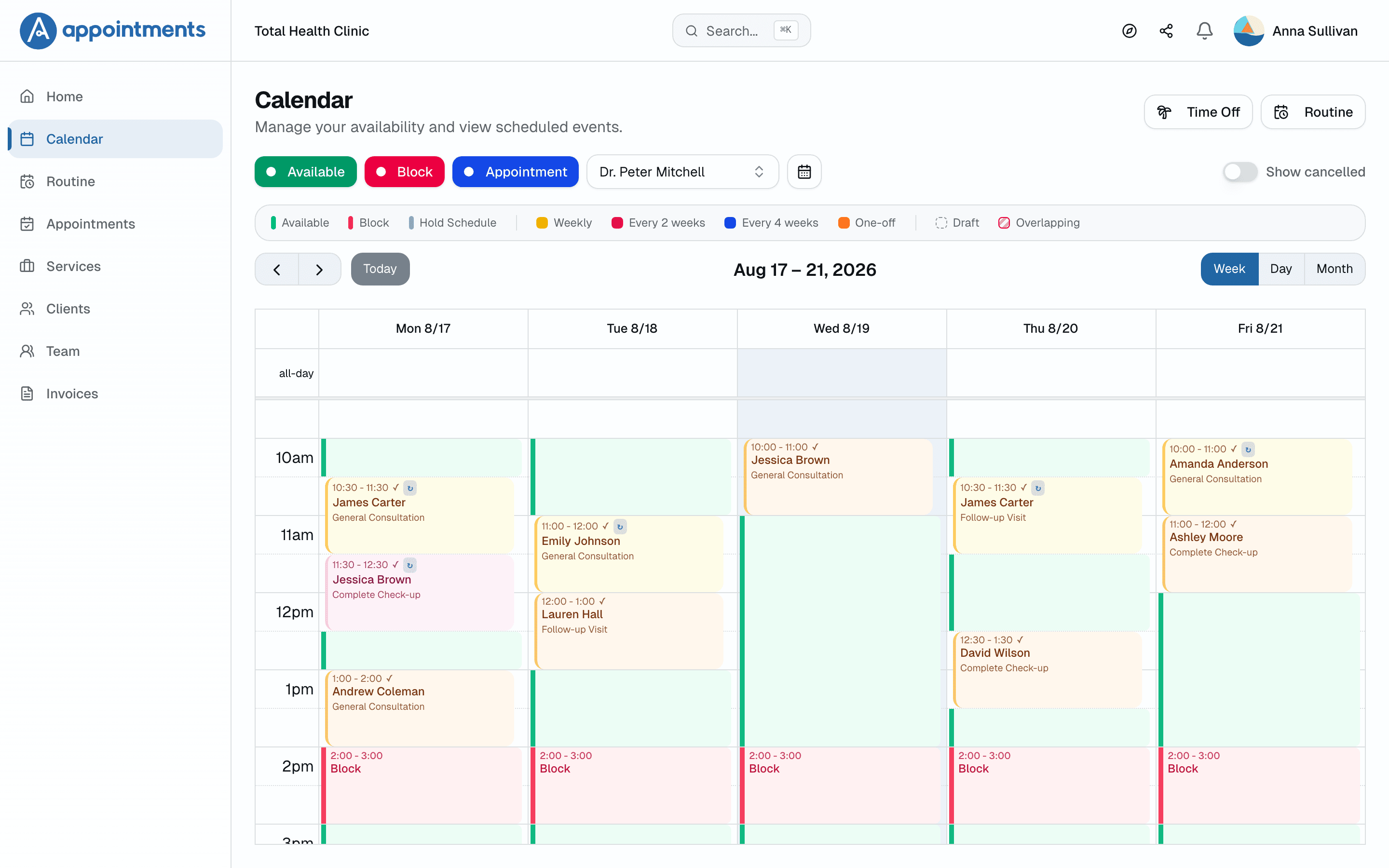
Monday and Wednesday at 6 a.m. stays Monday and Wednesday at 6 a.m. One link collects the month's booked sessions.
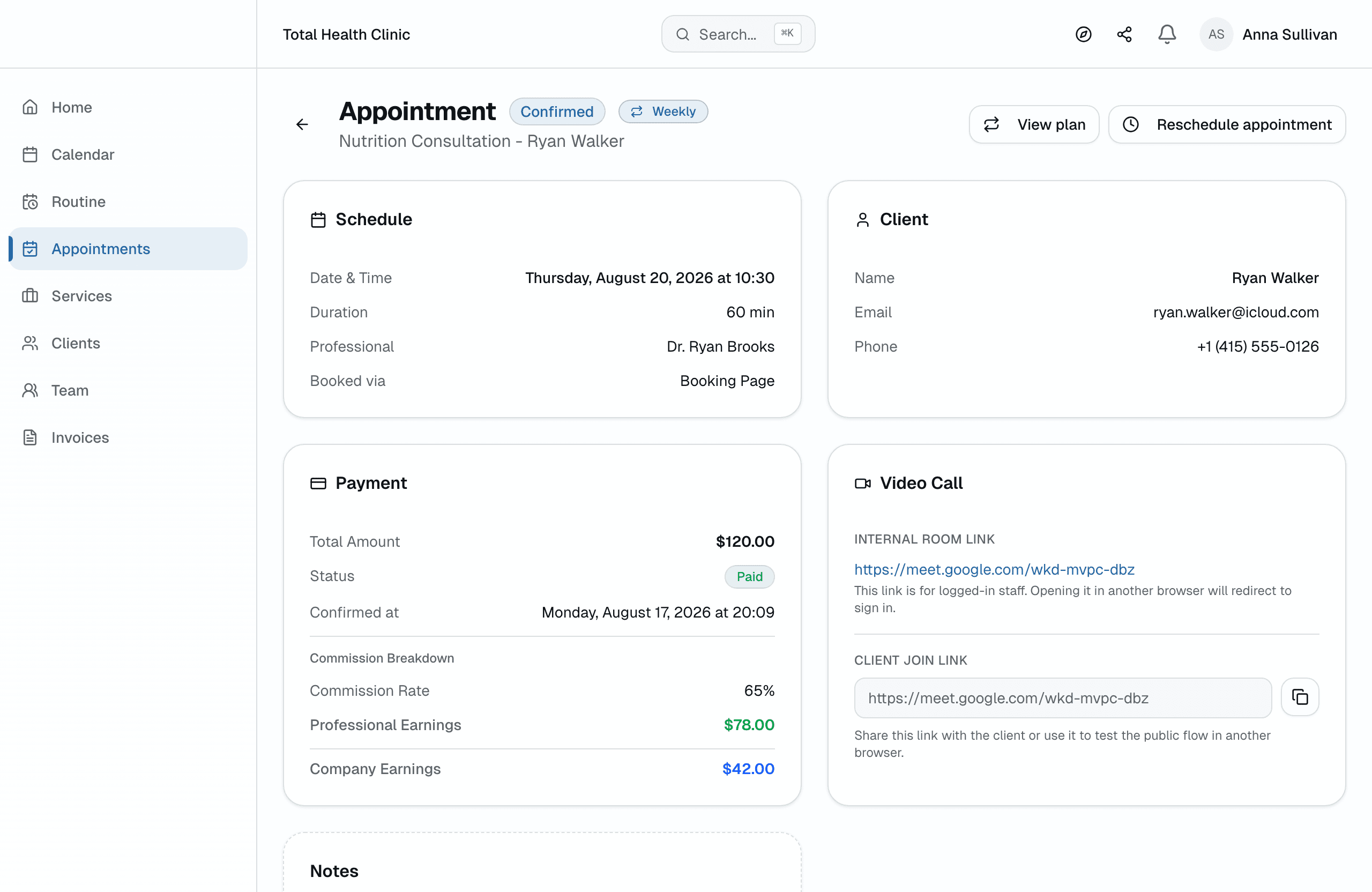
In person or on video. The Google Meet link is generated automatically and sent with the confirmation.
The Monday-and-Wednesday 7 a.m. client stays at Monday and Wednesday 7 a.m.: the series repeats automatically, and schedule conflicts are flagged right away.
Recurring billing generates a single link that pays for the month's sessions, straight into your own account through Stripe.
Offer in-person, online, or both per service — each modality with its own price. In-person clients get your address with a map link in the confirmation.
Vacation, lunch, or your own training: block it once and availability templates keep those slots protected week after week.
In the client portal, clients see their booked sessions and manage them on their own — no message needed for every change.
All plans include a free trial · Cancel anytime, no questions asked
Yes. Weekly sessions repeat on their own, clients pay at booking, and one link collects the month. Studios with several trainers organize roles and per-trainer commissions in one account.
Yes. Payment happens at booking, through Stripe, straight into your own account, and Appointments takes 0% of it. The slot is held for 10 minutes and only confirms once it's paid.
The month's booked sessions group into a single payment link. The client pays once and every session in the month is covered.
The session was paid at booking, so the money is already in your account. Reminders go out by email before each session, and clients confirm or cancel in one click. You find out before the hour, not after it.
For the business side, yes: booking page, payment at booking, weekly recurring sessions, and one link that collects the month. Appointments does not build workout programs, so it pairs with the workout app you already use. Client payments go to your own Stripe account and Appointments takes 0% of them.
It works for session-based gyms and studios. Every trainer gets their own calendar and the team view shows everyone side by side. Owner, manager and professional roles control who manages what. It schedules and charges for sessions; it does not manage gym memberships or door access.
No. You get 30 days with full access, no card required. We only ask for payment details if you decide to subscribe.
Your account pauses. Nothing is charged, nothing is deleted. Your data stays safe and you can subscribe whenever you're ready.
Yes, no questions asked. Your subscription runs until the end of the period you've paid for.
Yes. Import them from a CSV spreadsheet in minutes. Each client's history lives in one place from day one.