

Teacher scheduling software for tutors and music studios
Parents pay at booking. A month of lessons settles in one link.
Get started
Teaching you know. Chasing payments every month is what wears you down
Reminding students about lessons, rescheduling at the last minute, writing another awkward 'haven't received your payment yet' message. The admin side becomes a second job. Appointments organizes the week. Fixed slots, automatic lesson links, and one link that settles the whole month of booked lessons.

How your studio week runs
- 1
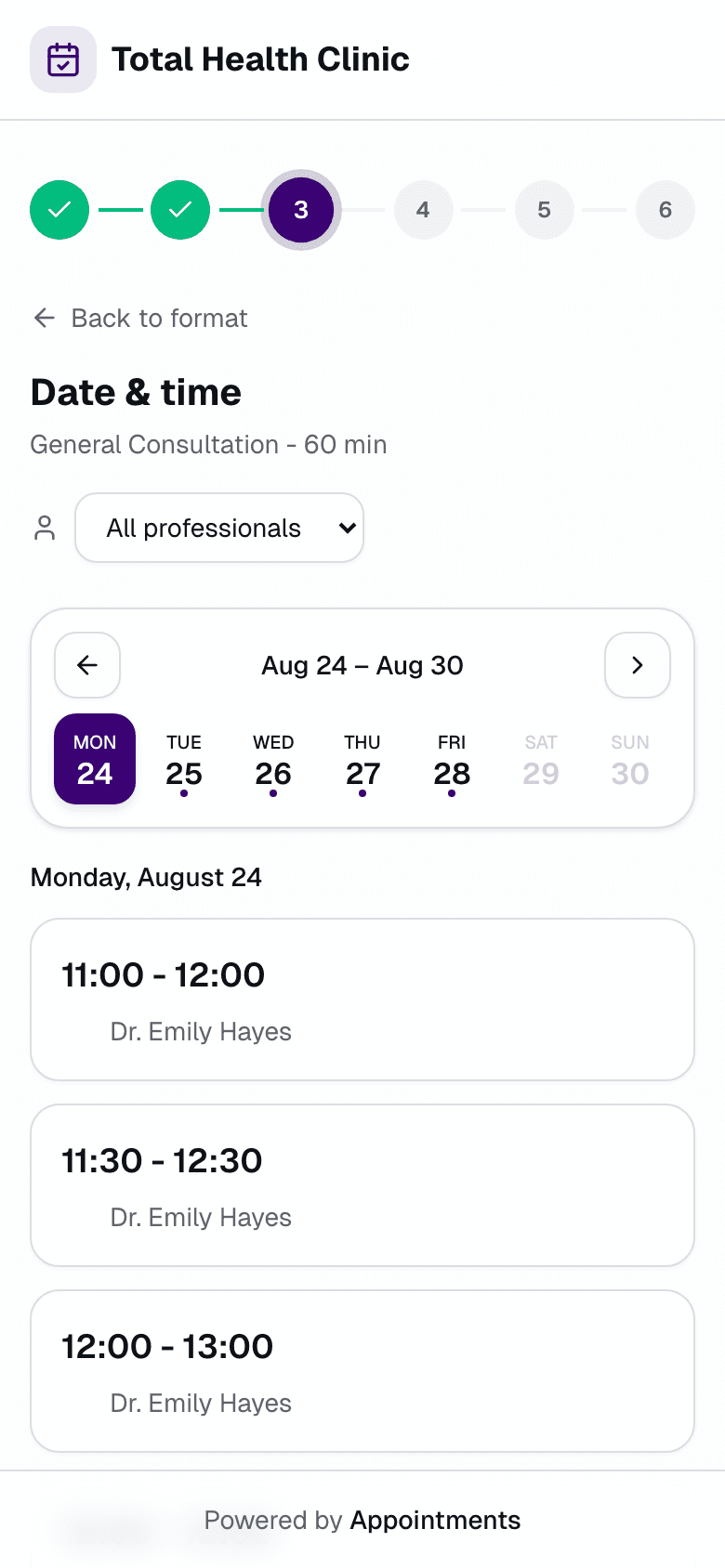
Students pick the slot, parents pay
On your booking page, inside the hours you opened. No account needed, and a lesson is only confirmed once it's paid.
- 2
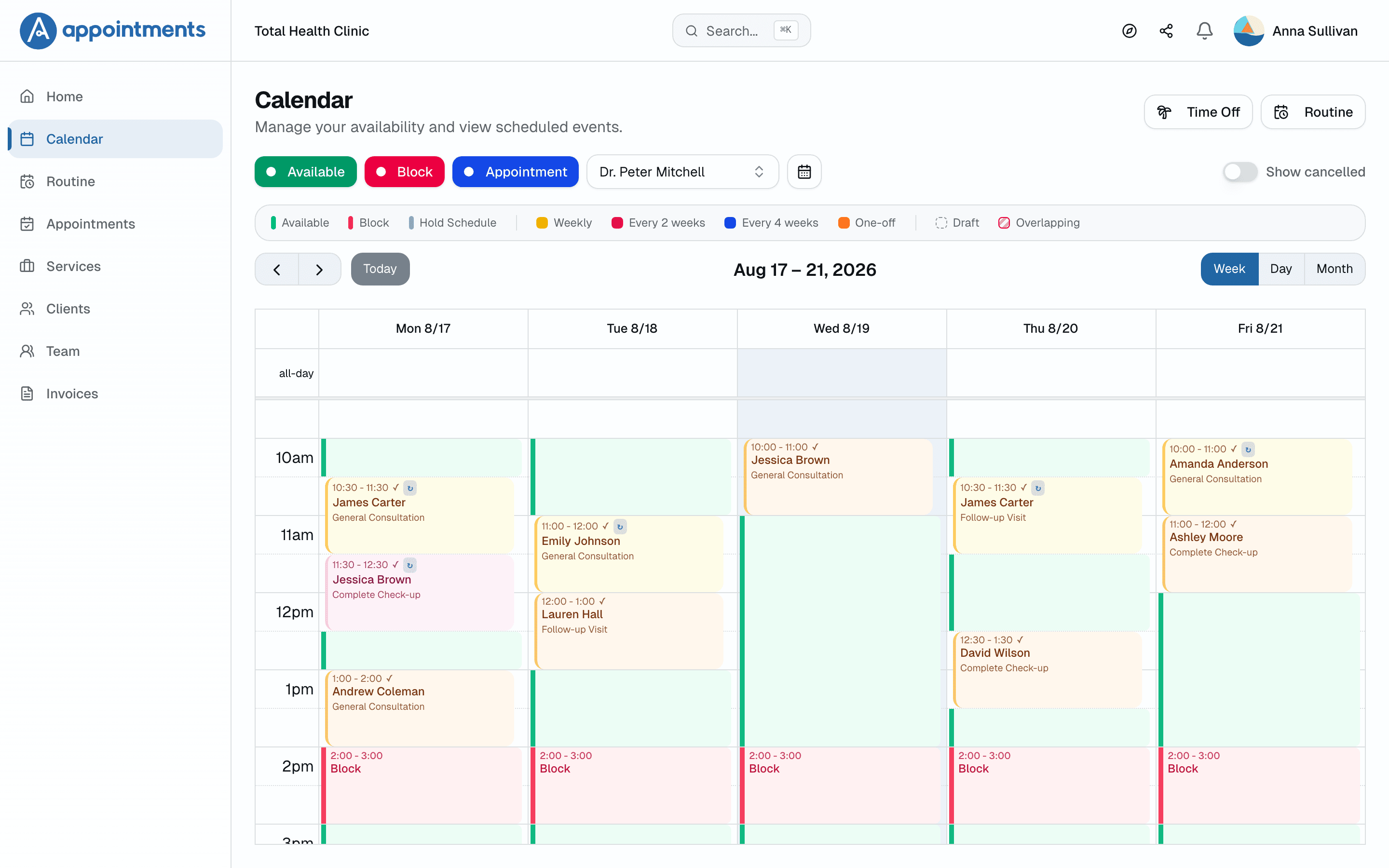
The weekly spot fills your calendar
You set the weekly spot once: Tuesday at 6:30 becomes every Tuesday at 6:30. The month's lessons group into one link and parents pay once, up front.
- 3
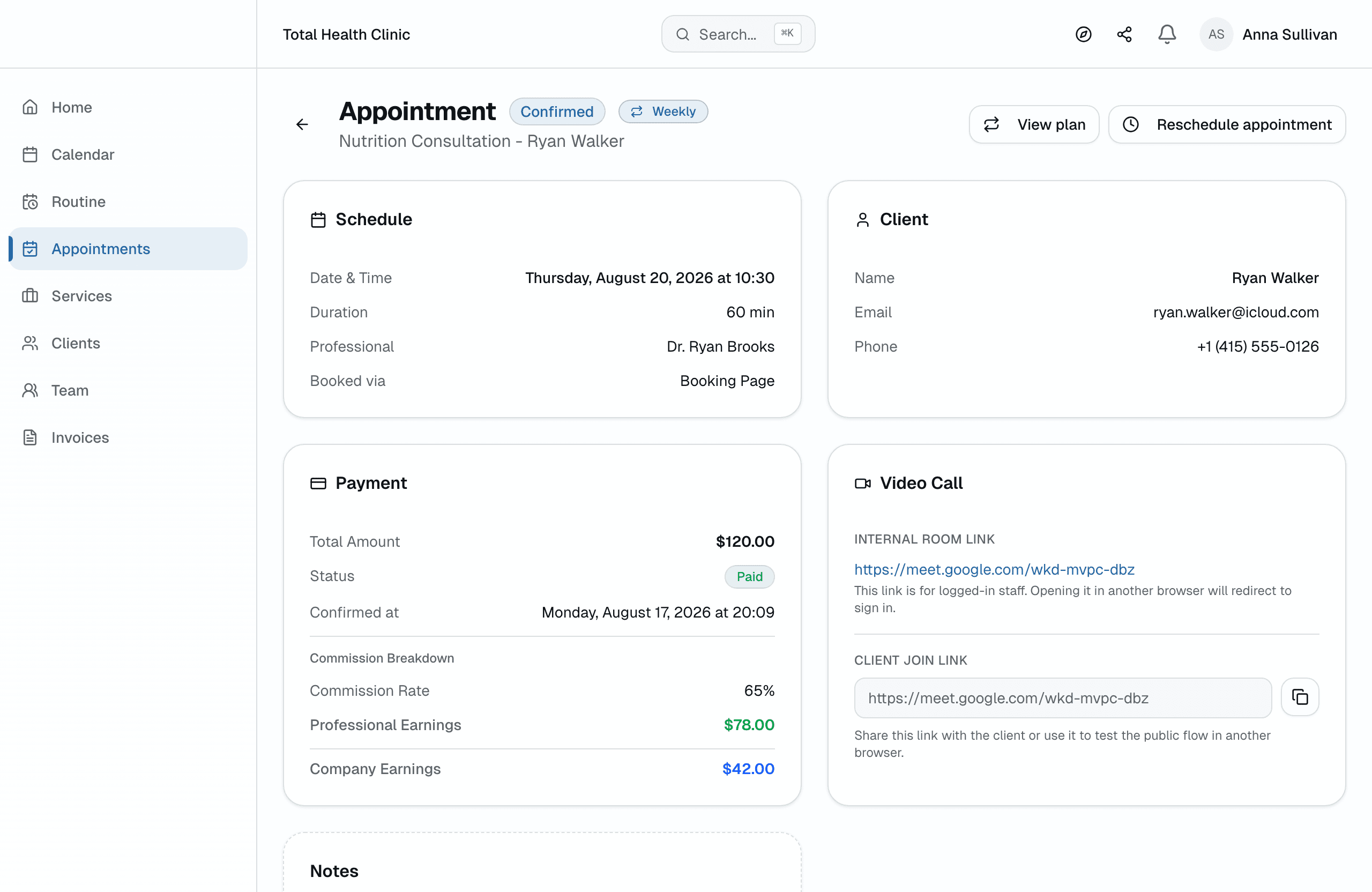
You just teach
In person or online. The Google Meet link is generated automatically and sent with the confirmation.
Fixed slots that repeat on their own
Tuesday at 7pm becomes a series on your calendar, created and confirmed automatically, week after week.
One link for the monthly payment
The month's recurring lessons group into a single charge. The student pays once and the month is settled.
Lesson link generated instantly
Automatic Google Meet on every plan, sent with the confirmation and reminder. On Enterprise, built-in video with recording.
Your student base, organized
Import current students via CSV and track each one's lesson and payment history in one place.
A booking page with your brand
One link — in your bio or the class group — where a new student picks a time, pays, and lands on your calendar.
A studio schedule that holds its shape
Weekly lessons repeat, holidays close slots, clashes get one-click fixes.
Fair price. Real value.
All plans include a free trial · Cancel anytime, no questions asked
Professional
- Online appointments with integrated Google Meet
- In-person, online or hybrid appointments
- Recurring appointments
- One monthly payment link for recurring clients
- Shareable booking link
- Custom service creation
- Complete client management with easy import
- Automatic email reminders
- Automatic schedule conflict detection
- Availability templates and time blocks
- Online payments with integrated Stripe
- Private notes per appointment
Questions from the studio
Does Appointments work for music teachers and tutors?
Yes. Weekly lessons repeat on your calendar, parents pay the month in one link, and every student carries a lesson and payment history. Studios with more than one teacher manage roles and commissions in the same account.
How do parents pay for lessons?
At booking, through Stripe, straight into your own account. The money never passes through the platform and we take 0% of it. For weekly students, the month's lessons group into a single payment link.
Can I charge monthly instead of per lesson?
Yes. Set the weekly slot once and the month's booked lessons group into one payment link. Parents pay up front and the month is settled before it starts.
What happens when a family cancels last minute?
Email reminders go out in more than one phase before each lesson, and parents confirm or cancel in one click. You find out before the slot, not after it. What happens with the freed time stays your policy.
Is Appointments an alternative to TutorBird or My Music Staff?
Yes, for scheduling and payments. Those tools are built around invoices sent after lessons happen. Appointments collects payment when the lesson is booked. A month of weekly lessons is paid in one link, through Stripe into your own account.
Does Appointments work for online tutoring?
Yes. Every plan creates a Google Meet link automatically and sends it with the confirmation and reminders. Students book and pay online without creating an account.
Do I need a card to start the free trial?
No. You get 30 days with full access, no card required. We only ask for payment details if you decide to subscribe.
What happens when the trial ends?
Your account pauses. Nothing is charged, nothing is deleted. Your data stays safe and you can subscribe whenever you're ready.
Can I cancel anytime?
Yes, no questions asked. Your subscription runs until the end of the period you've paid for.
Can I bring my current clients?
Yes. Import them from a CSV spreadsheet in minutes. Each client's history lives in one place from day one.