

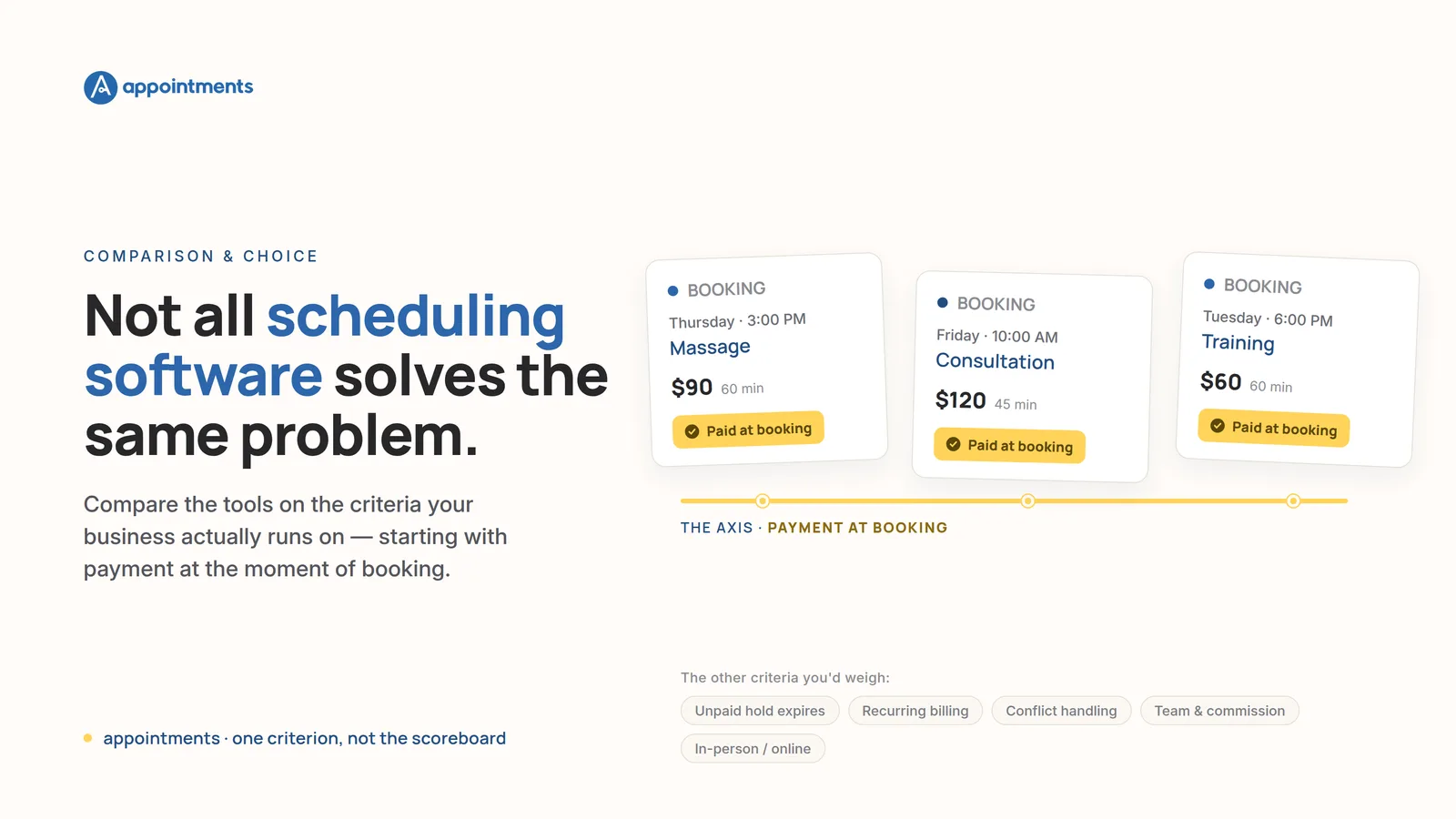
If you are comparing scheduling software right now, you have probably noticed the demos all blur together. Every tool shows a calendar, a booking link, and a tidy confirmation screen. The differences that decide whether it fits your business are one layer down, in the parts the homepage does not lead with.
So here is the honest way to choose: match the tool to the work your business actually runs on, one criterion at a time. Not an overall ranking. The best scheduling app for a solo therapist who needs the money collected up front is not the best one for a salon already running Square's registers. This piece compares five tools across the criteria that matter for a service business, and it is upfront about one of them: payment at the moment of booking, the criterion Appointments is built around. That is one criterion among several, not the scoreboard. For some businesses it decides everything. For others it barely registers, and one of the other tools here is the better pick.
How we compared
This is a snapshot, and it says so. Here is exactly what it covers.
- The criteria: payment at the moment of booking; whether an unpaid hold expires on its own; recurring auto-billing; conflict and double-booking handling; team and commission handling; in-person and online modality.
- The tools and the plans reviewed: Appointments (Professional, Business, Enterprise); Calendly (Free, Standard, Teams); Acuity Scheduling by Squarespace (Starter, Standard, Premium); Square Appointments (Free, Plus, Premium); Setmore (Free, Pro).
- The market: United States.
- Verified: September 2026, against each tool's live product, pricing, and help pages. Pricing and feature tiers move often, so confirm the current terms on each vendor's own site before you buy. Where a vendor's own pages did not state something plainly, this piece says so rather than guessing.
The criteria that matter for a service business
A generic feature grid tells you which tool has more checkboxes. It does not tell you which one removes work from your week. These six do, because each maps to a task a service business repeats:
- Payment at the moment of booking is what turns a free reservation into a commitment. It is the difference between a slot someone might show up for and a slot someone has paid for.
- An unpaid hold that expires on its own decides what happens to a slot while a client is mid-checkout, and what happens if they never finish.
- Recurring auto-billing is what a standing client costs you in admin every month.
- Conflict and double-booking handling is table stakes, but the details differ.
- Team and commission handling is the line between a solo diary and a business with staff to pay.
- In-person and online modality decides whether the consultation happens inside the tool or in a link to somewhere else.
The comparison, criterion by criterion
Payment at the moment of booking
Start with the honest part: all five tools can take a payment when a client books. This is not a feature only one of them has. What differs is how, on which plan, and where the money lands.
- Appointments collects payment in the same step as the booking, into the professional's own Stripe account through Stripe Connect, with no marketplace cut taken by the platform. It is on the base Professional plan.
- Calendly collects payment at booking through Stripe or PayPal, into your own account, with no Calendly cut. It requires a paid plan (Standard, $10 per seat per month) and has no native processor of its own.
- Acuity is genuinely strong here: it can require full payment, take a deposit (a percentage or a fixed amount), or save a card to charge later, on every plan including Starter, through your choice of Stripe, Square, or PayPal, with no Acuity markup on the transaction.
- Square Appointments can require full prepayment or hold a card against a no-show, but that gate sits on the paid Plus and Premium tiers, not the free plan. Payments are locked to Square's own processor. There is no extra marketplace commission, but you cannot bring your own Stripe account.
- Setmore accepts payment on its free plan through Square, Stripe, or PayPal, into your own account. Deposits, though, require the paid Pro plan.
So payment-at-booking alone does not separate these tools. Where Appointments is honestly built differently is the next criterion.
Does an unpaid hold expire on its own?
This is the one that is genuinely rare, and it is worth understanding because it is quiet.
When a client picks a time on Appointments and goes to pay, the slot is held for them, then released automatically if the payment is not completed within about ten minutes. The slot is reserved while they check out, and it reopens on its own if they walk away. Nobody has to notice and free it by hand.
Across Calendly, Acuity, Square, and Setmore, we found no documented equivalent. Most of them use a different model that is perfectly reasonable but not the same thing: the booking is only created after payment succeeds, so there is no held-but-unpaid slot to expire. Acuity has a second mode where, if you allow booking without paying, the appointment is created and the slot is taken, sitting unpaid until you chase it. Neither of those is a hold that reserves the time briefly and then frees it for you.
If your problem is the slot that gets tied up mid-checkout and never resolves, this is the criterion where Appointments' model is the deciding factor. If your clients simply pay upfront or not at all, it will not matter to you.
Recurring auto-billing
Here a competitor wins, and the honest thing is to say so.
Acuity is the strongest on true recurring billing: its Subscriptions feature automatically charges a saved card each cycle, on the Standard tier and up. That is a stored-card auto-charge, and it is genuinely more hands-off than what Appointments does.
Appointments repeats the appointment on its own and gathers a billing month's sessions into one payment link, sent by email, that the client taps to pay. It goes into your own Stripe, on the base plan. But be clear on the mechanism: it is a monthly link the client pays, not a card charged automatically in the background.
Calendly has no native recurring bookings and no recurring billing (its Meeting Packages are a one-time prepaid bundle). Setmore supports recurring appointments on Pro but bills them one appointment at a time, with no auto-charge across the series. Square supports recurring appointments, but we could not verify that each occurrence is charged automatically from the appointment itself; its recurring billing lives in separate Square products.
Conflict and double-booking handling
This is close to table stakes, and every tool here does the basics. All five prevent a slot that is already taken from being booked again online, and most sync an external calendar (Google, Outlook) so an outside event blocks the time too.
The footnotes matter more than the headline. Square and Setmore both let staff override and double-book manually on the internal calendar even though the public page will not. Calendly's conflict checking works off connected calendars and is available even on its free plan. Appointments detects conflicts and stops a taken slot from being offered on the base plan. If you are a solo operator with one calendar, treat this criterion as a wash. If you run several calendars that need to respect each other, look closely at how each tool handles cross-calendar overlaps.
Team and commission handling
Two tools here actually track commissions, and they gate it differently.
Square tracks commissions (flat or tiered) and flows them straight into Square Payroll, on its Premium tier. If you already run Square for payroll, that is a bundled operations stack worth conceding plainly.
Appointments offers commission control per professional per service on its Business plan (up to 20 team members), alongside team booking, roles, and portal branding.
Calendly, Acuity, and Setmore support multiple staff and calendars, but none of them tracks staff commissions natively. Calendly adds round-robin distribution on its Teams tier; Acuity scales staff by plan (1, then up to 6, then up to 36); Setmore allows up to four staff logins free and unlimited on Pro. If commissions are your reason for choosing, the real contest is Appointments (Business) versus Square (Premium, and stronger if you are already on Square Payroll).
In-person and online modality
Every tool can book an in-person appointment. The split is what happens with a video consultation.
Appointments offers per-service modality, in-person, online, or both, on the base plan, with the address and a Google Meet link delivered in the confirmation email. Its own video, held inside the platform with recording and transcription, is an Enterprise feature, not a base one.
The other four all send the client to an external link. Calendly attaches Zoom, Google Meet, Microsoft Teams, or Webex; Acuity attaches Zoom, Google Meet, or GoTo. Setmore's own video, Teleport, was discontinued in 2024 and 2025, so it too now relies on Zoom or Google Meet integrations. Square Appointments has no native video at all. If the consultation happening inside the product, rather than in a link to somewhere else, matters to you, that is an Appointments distinction, but at the tier where it is native it is an Enterprise one, so weigh it against the price.
At a glance
A snapshot, US, verified September 2026. Read it as a starting point, then confirm the plan you would actually buy.
| Criterion | Appointments | Calendly | Acuity | Square Appointments | Setmore |
|---|---|---|---|---|---|
| Pay at booking | Base plan, own Stripe, no cut | Paid plan, own Stripe/PayPal | All plans, 3 processors | Paid tiers, Square processor only | Free plan; deposits on Pro |
| Unpaid hold expires on its own | Yes, ~10 min auto-release | No held-unpaid state | No auto-expiring hold | No auto-expiring hold | No documented expiry |
| Recurring auto-billing | Monthly link, client taps | No | Yes, auto-charges card | Recurring appts; auto-charge unverified | Appts only, no auto-charge |
| Conflict handling | Yes, base plan | Yes, incl. free | Yes, all plans | Yes online; manual override | Yes; sync on Pro |
| Team and commission | Commissions on Business | Round-robin, no commissions | Multi-staff, no commissions | Commissions on Premium, into Payroll | Up to 4 free, no commissions |
| In-person / online video | Both base; native video Enterprise | External link only | External link only | No native video | External link only |
Choosing honestly: when Appointments is the right call, and when it is not
Reweight these criteria for your own week and the answer changes. That is the point.
Choose Appointments when the money has to be collected in the same step as the booking, into your own account, with no platform cut, and you want a held slot that frees itself if the client does not pay, all on the entry plan. That combination is what it is built around.
Choose Square if you already run Square's registers or sell retail alongside your services. One login, one set of payouts, the same hardware, and commissions into Square Payroll is a real advantage Appointments does not match, and it is the honest pick for a business already on Square.
Choose Acuity if you want the most flexible payments toolkit: deposits, save-a-card, packages, memberships, gift certificates, intake forms, a choice of three processors, and genuine stored-card subscription billing. On several of those it is stronger than Appointments, and it is the better fit if your billing is varied.
Choose Calendly if your real job is meeting scheduling, round-robin across a sales team, and the widest set of integrations, and payment is a light add-on rather than the point.
Choose Setmore if a genuinely generous free tier is what you need: up to four staff logins and online payment acceptance without paying, at the lowest entry price here.
The honest read on Appointments
To keep the comparison fair, here is where our own claims sit, by plan.
- Base Professional: payment at booking into your own Stripe with no cut, an unpaid hold that expires on its own, recurring appointments with one monthly payment link, conflict detection, per-service in-person and online modality, a Google Meet link in the confirmation email, and automatic reminders.
- Business (up to 20 users): team booking, commission control, roles, and portal branding.
- Enterprise: video hosted inside the platform, with recording and transcription.
Two honesty notes we will not bury. Reminders and confirmations go out by email only, not SMS or WhatsApp, so if text reminders are non-negotiable, weigh that against us. And recurring billing is a monthly link the client taps, not a card charged automatically in the background, so if hands-off stored-card billing is your priority, Acuity does that part better.
For the deeper argument on why collecting payment in the same step as the booking changes the economics of a no-show, see how online scheduling gets you paid the moment a slot is booked. And if you want the broader buying framework rather than a head-to-head, how to choose online appointment scheduling software walks through weighing the criteria against your own manual work.
Start free
The fastest way to know whether payment-at-booking is your deciding criterion is to run one real booking through it. Appointments is free for 30 days, no card required; after the trial the account simply pauses, nothing is charged, and you can cancel anytime.
Start free: 30 days, no card and try it against the one manual task you most want gone. Compare the plans and pricing when you are ready to weigh the tiers.