

If your calendar is mostly regulars, the hard part was never getting them to book. It is the first Monday of every month, when you re-enter the same Tuesday-6pm slot, send the same invoice you sent last month, and wait on people who already committed to being there.
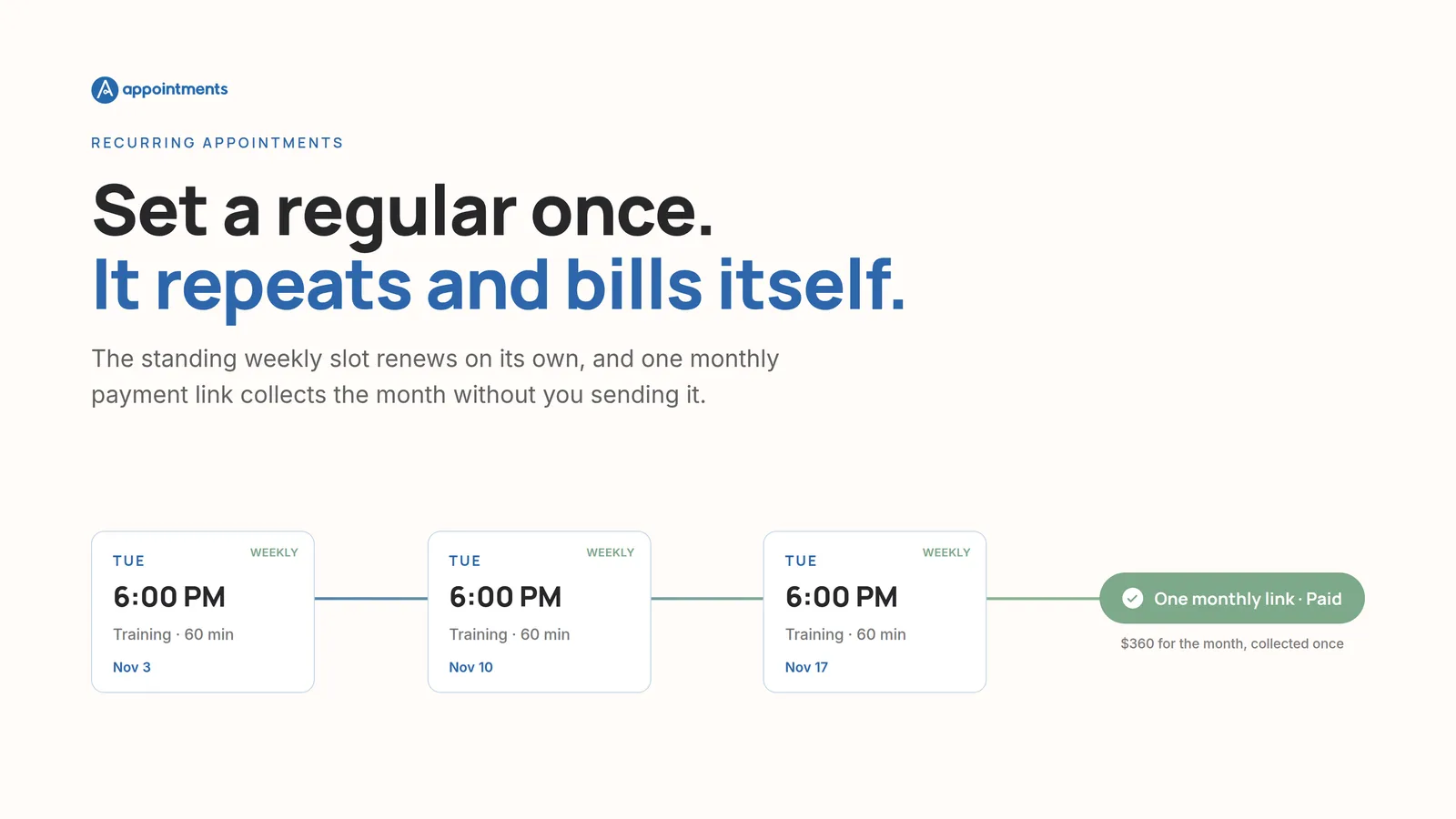
Here is the short answer. A tool built for standing clients does two things on its own: the slot renews on its schedule, and a single payment link for the month goes out without you sending it. You set the regular up once. After that, the weekly session repeats and the month gets collected, and you never rebook or re-invoice a person who was always going to show up.
That is what "recurring appointments" should mean. Most tools stop at the calendar. The part that costs you the time is the part after it.
The re-admin a regular still costs you
A one-off client is a small amount of work once. A regular is a small amount of work, over and over, for as long as they stay, which is the whole point of a regular.
Look at where the month actually goes:
- You re-enter the standing slot. Same client, same time, same service, typed again.
- You send the invoice. Same amount, same person, a new copy every cycle.
- You chase the payment. Not because they are difficult, but because a link sitting in an inbox is easy to miss when nothing is at stake yet.
- You confirm the sessions and send the reminders, one message at a time.
None of that is the client's fault, and none of it is yours either. It is the process. A booking tool that only holds the calendar hands all four of those tasks back to you, every month, per regular. Ten standing clients is ten of each.
What recurring should actually mean
The shift is small to describe and large to live with: the standing slot renews itself, and its payment collects itself.
Two things run underneath that.
Recurring appointments that renew on their own. You set the cadence once, weekly, every other week, or every four weeks, and the series keeps extending into the future. Each upcoming session confirms itself a few days ahead and sends the client the invitation, so you are not the one turning next Tuesday into a real appointment.
Automatic recurring billing. For a fixed monthly plan, one payment link covers the whole month and is sent for you. For clients billed per session, the month's sessions are gathered into a single invoice that goes out on its own. Either way it is one link, once a month, that you did not have to write. The client pays it in a tap. You are not sending it, and you are not chasing it.
That is the difference between software that stores your regulars and software that runs them.
| Every month, by hand | Renews and bills itself |
|---|---|
| Re-enter the same weekly slot | The slot renews on its cadence |
| Send a fresh invoice per client | One monthly link, sent for you |
| Chase people who already committed | The link goes out on its own; you don't chase it |
| Turn each session into a confirmed booking | Sessions confirm themselves ahead of time |
| Type the reminders one by one | Email reminders go out automatically |
Which businesses this actually fits
This matters most when your week is built on the same names in the same slots. If that is you, you already know it.
- A personal trainer with a client who trains every Tuesday and Thursday at six.
- A tutor holding the same after-school hour through a whole term.
- A coach or consultant running a program that renews month after month.
- A groomer with the standing wash, or a cleaner with the weekly visit, on the calendar for as long as the client stays.
The one-off booking is the easy case for any tool. What separates them is whether the regular is set up once or set up again every cycle.
How to check a tool handles standing clients
Before you commit to anything, book yourself a fake regular and watch what the software does next month. Four questions sort it quickly:
- Does the slot repeat on its own, or do you re-enter it each cycle?
- Does one link collect the month, or does the tool make one invoice per session and leave you to send each one?
- Does the payment come to you, into your own account, or does it route through a marketplace that takes a cut on every session a regular pays for?
- Does a returning client need re-setup, or does the standing arrangement just continue?
A tool that only digitizes the calendar answers the first two with "you do that." For a one-off client that is fine. For a business of regulars it is the whole job, handed back.
How this works in Appointments
Appointments is built for the second column of that table.
You set a client's recurring appointment at a weekly, every-other-week, or four-weekly cadence, and the series keeps renewing. Each session confirms itself a few days ahead and sends the client the invitation, driven by the date rather than by you remembering.
The month is billed on its own. A fixed monthly plan sends one payment link for the whole month; per-session clients get a single monthly invoice covering their sessions. The link is sent automatically, and the client pays it in one tap, straight into your own Stripe account with no platform cut. Reminders go out by email, also automatically.
To be clear about the edges: the monthly link is sent for you, and the client taps to pay it, so this is automatic billing, not a card charged behind their back. Reminders are email, not SMS. That is the honest shape of it, and for a calendar of regulars it is the part that gives you your Monday morning back. If you want the mechanics of getting paid at the moment of booking, the payment side is covered here.
Start free
If your week runs on regulars, set one up and let the next month collect itself.
Start free: 30 days, no card. The trial runs for 30 days with no card, your account pauses if you stop, and you can cancel anytime.