

You are between two clients when a name lands in your messages: "Is Thursday at 3 still open?" You stop, you check, you reply, you wait. Then comes "how do I pay you?", and the slot you were holding sits in limbo until they get back to you. Some of them never do.
That is not a booking. That is you, doing the booking by hand, with a link in the way.
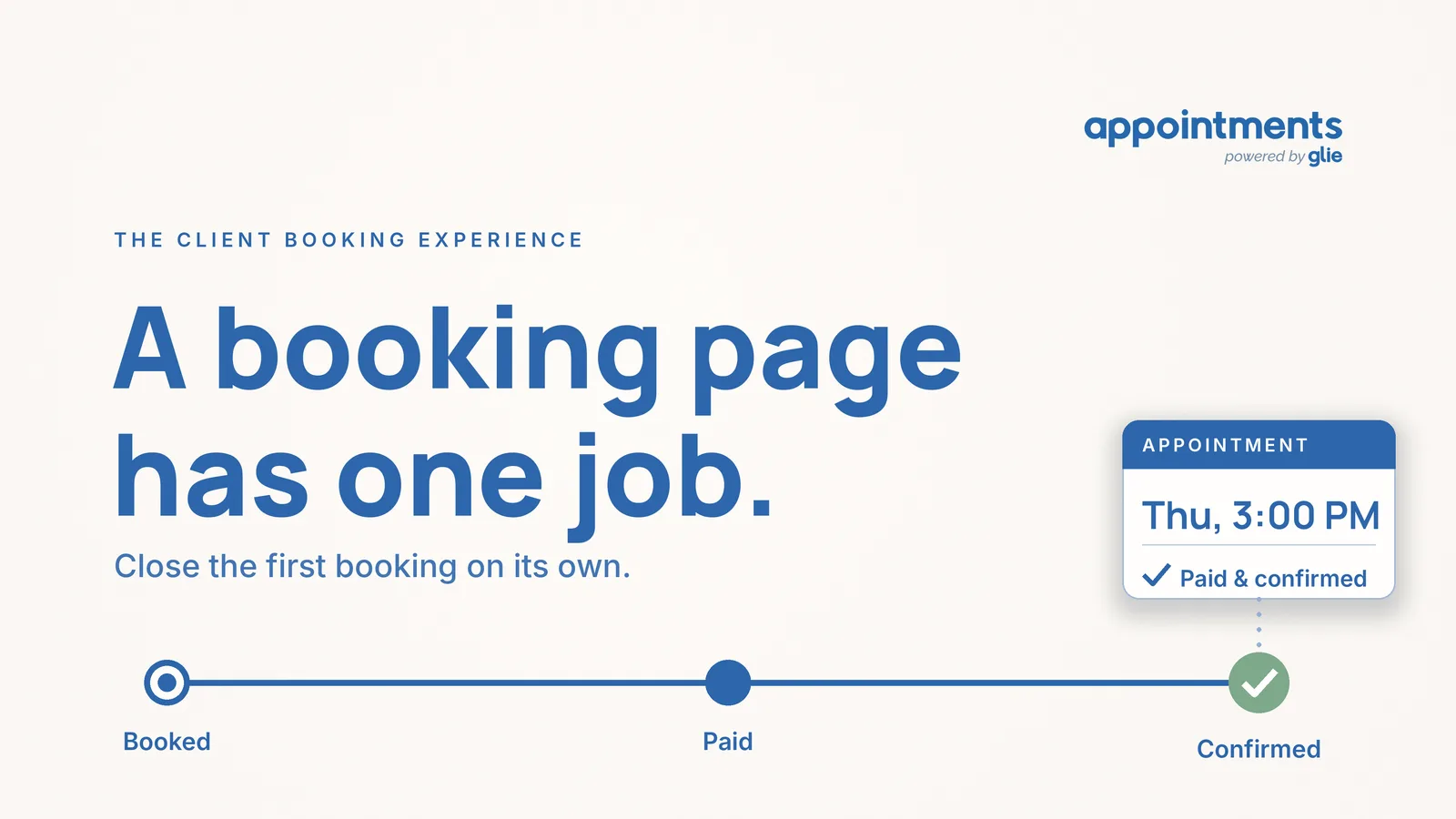
A booking page is supposed to end that, and not just the calendar part of it. Here is the whole job in one line: a booking page should close the first transaction on its own. The client picks a time, pays for it, and gets confirmed, with no account to create and no message that lands back on you. Most pages do the first step and stop. The ones worth paying for do all three, and that difference is the entire reason to have one.
If you already know software like this exists and you are trying to work out what a page should actually do before you commit, this is the short version, and the rest of the page is why.
The page that only shows your hours
Plenty of tools give you a page with your availability on it. A client sees the open slots, taps one, and you get a notification. That feels like progress, and for the first minute it is.
Then the real day starts. The slot is held, but nobody has paid, so it is a maybe. You still send the "great, see you Thursday" message. You still send the "here's my Zelle" follow-up, and wait to see if it comes through. When it does not, the hold sits there occupying a real time on a real Thursday, until you notice and clear it yourself. If the person no-shows, you find out by them not walking in.
Add it up and a display-only page did not remove the work. It moved the work to after the tap and handed it back to you: the confirming, the collecting, the chasing, the clearing. A calendar that shows your hours was only ever built to display. Everything a real appointment needs around it was always going to fall on your phone, because the page was never designed to carry it.
The problem was never that you are bad at this. It is that the tool stopped at the easy half.
What the booking should carry instead
Picture the same Thursday client, on a page built to finish the job.
They open a link you shared. No login screen, no "create an account to continue." They pick 3pm. On the same screen, in the same flow, they pay for it. The moment the payment goes through, the slot flips from held to confirmed, a confirmation goes out to them automatically, and the time is yours to count on. You did not touch your phone once. You were with the client in the chair.
That is the shift, and it is worth naming the parts, because each one removes a specific message you are sending today:
- Guest checkout, no account. The client books as themselves, with no password to set up. Every extra step here is a booking you lose to someone who gave up, and the create-an-account step is the one that loses the most.
- Payment at the moment of booking. They pay when they book, in the same step, not after a separate "here's how to pay me" message. In Appointments this runs through Stripe, and the money lands in your own connected account, not in some middle account you have to withdraw from later.
- A hold that expires on its own. An unpaid reservation is not left sitting as a maybe. It releases itself, so a slot someone grabbed and never paid for goes back to being open without you policing it.
- Automatic confirmation. The "you're booked" email goes out on its own, the moment the payment clears. One less message from you, and the client is not left wondering whether it went through.
This is where Appointments is the example, not the point. The point is that all of that happens between the client's tap and your day, without a detour through you. Good online booking software is measured by how little of the booking comes back to the person who owns the calendar.
The three questions to ask before you choose one
When you are comparing an appointment booking app, the demo will always look smooth, because a demo is someone showing you the happy path. The honest test is to stop looking at the dashboard and book yourself, as a client would, on a phone. Then ask three things.
Does the client pay in the same step they book? Not "can I send an invoice after." In the same flow, on the same screen. If payment is a second thing you do later, the collecting is still your job, and so is the awkward reminder when it does not arrive.
Does an unpaid hold expire on its own? A slot that someone reserved and never paid for should not stay locked forever, and it should not need you to go find it and clear it. The mechanism that makes this work is worth understanding before you choose: the slot is held only until the payment clears, and if it does not, the hold releases itself. If holds pile up as maybes, you are back to managing the calendar by hand, one no-show at a time.
Do the confirmation and the reminder go out without you? The "you're booked" note and the "see you tomorrow" nudge should fire on their own. In Appointments those reminders are email, and they go out automatically so you are not the one remembering to send them.
| What the client does | Display-only page | A page that closes the transaction |
|---|---|---|
| Picks a time | Yes | Yes |
| Pays for it | Later, off the page, however you arrange it | In the same step |
| Gets confirmed | You message them | Automatic, the moment they pay |
| Unpaid hold | Sits until you clear it | Expires on its own |
| Reminder before the visit | You remember to send it | Sent automatically by email |
If a page answers yes to all three, it is doing the job. If it only shows availability, you are buying a nicer calendar and keeping the work.
One honest note, because it matters when you compare: the built-in reminders here are email, not text. For an online session, the confirmation carries a Google Meet link, so the client has a place to show up without any extra tool. Knowing exactly what a page does, and does not do, is the whole reason to read past the demo.
The short answer
A booking page is not a page that displays your hours. It is the thing that turns "I want Thursday at 3" into an appointment that is picked, paid and confirmed, with you left out of the loop on purpose. If it does not carry payment and confirmation, it did not book anything. It just moved the booking to your phone.
You can try this the way your clients would experience it. Appointments is free for 30 days, with no card to start. When the trial ends, the account simply pauses: nothing is charged, nothing is deleted, and you can cancel anytime.