

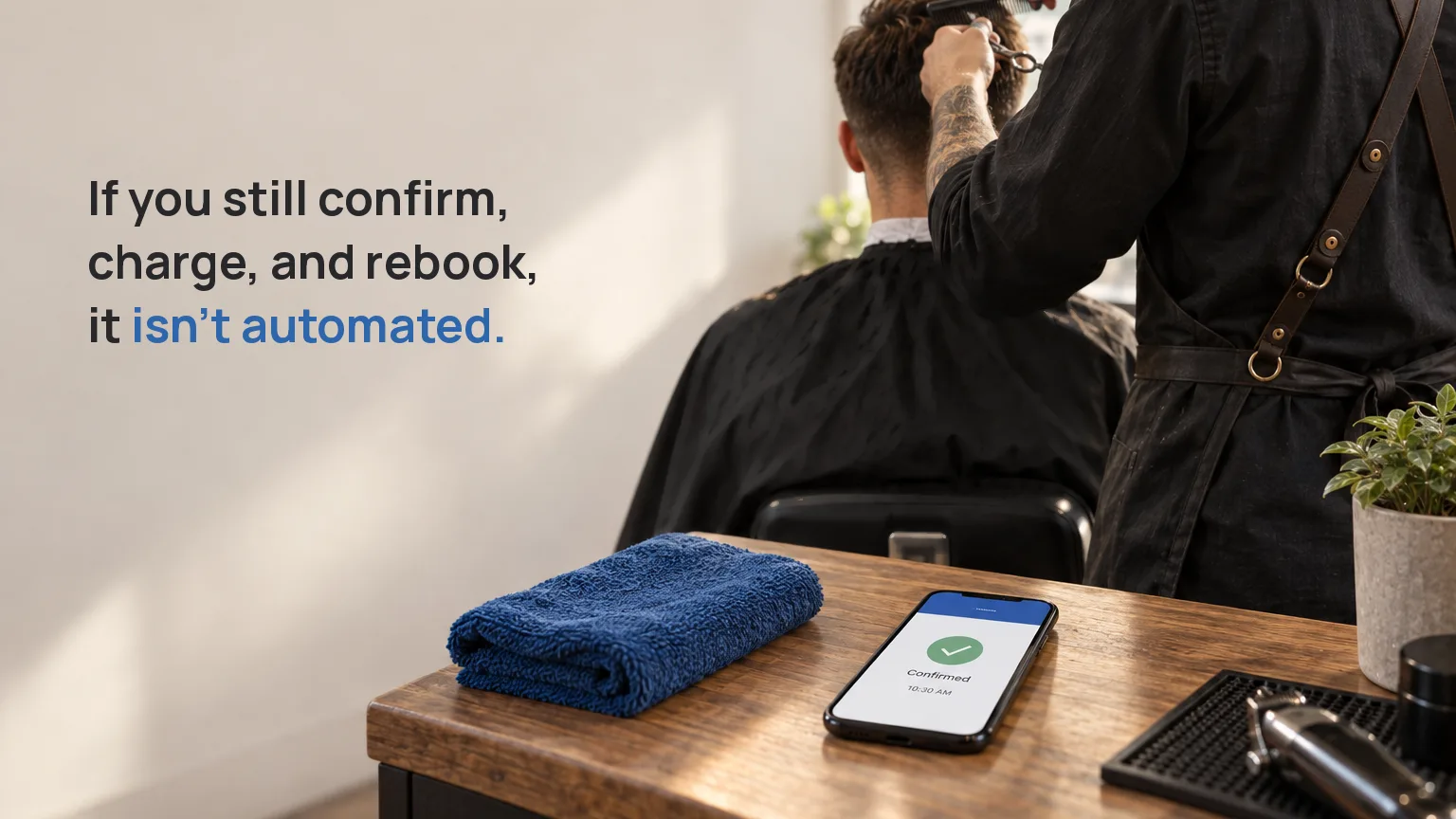
It is 9 p.m. A client opens your page, taps an open slot, and books a 10:30 haircut for Saturday. You answered nothing and checked nothing. That is online booking doing what it promised: the back-and-forth of finding a time is gone, and that back-and-forth used to eat your evening.
Now look at what is still attached to that one booking. Someone has to confirm it. Someone has to collect the payment, or chase it later. Someone has to send a reminder so the chair does not sit empty on Saturday. And if this client comes every week, someone books them in again. That someone is you. The booking got easier. The rest of it did not move.
So here is the thing to hold onto before you read further. The value of an appointment scheduling system is not that a client can choose a time. Every booking tool does that. The value is how much of the after, the confirming, the collecting, the reminding, the re-booking, happens without you touching it. That gap is the difference between a booking widget and a system, and it is the whole of what this page is about.
One note first, because it decides whether the rest is for you. The reminders described here go out by email. The client confirms or cancels from that email. There is no SMS and no WhatsApp message. If a text reminder is a hard requirement for your business, you can save yourself the read.
What online booking actually took off your plate
Give it credit. A booking used to be a conversation: what days do you have, is Thursday free, actually can we do Friday, what time. That thread is gone. An online scheduling page shows your real availability and lets the client claim a slot with you nowhere in the loop. For finding a time, the work went to nearly zero.
But finding a time was one task. Follow a single booking from the tap to the money in your account and you will count five or six. Online booking solved the first one and left the others sitting where they always were, now triggered by a tap instead of a text.
The five things that still land on you
Here is that one booking, step by step. Ask who does each part in whatever you use today.
| After the client books | A booking widget | A system that runs the after |
|---|---|---|
| Take the payment | You send a request, or collect in person | Collected in the same step as the booking |
| Confirm the slot | You reply to confirm | Confirmed on its own once it is paid |
| An unpaid slot | Sits there empty until you notice | Expires by itself and frees the time |
| Send a reminder | You remember, or you don't | Goes out on its own, by email |
| Re-book the weekly regular | You re-enter it every week | One monthly payment link, no re-invoicing |
If the left column is your week, you did not buy a system. You bought a form that happens to sit on your calendar. An appointment book app that only records the booking has handed the admin straight back to you, dressed up as automation.
The real test of automated booking
The honest test of an automated booking setup is short. After the client taps "book," with no further move from you, how far does it get on its own?
A tool that passes collects the payment at the moment of the booking, so the slot is paid for before it is even yours to worry about. That single move, charging at the booking instead of after it, is what turns a free cancellation into a real commitment. It lets an unpaid reservation expire by itself, so a tentative slot does not quietly cost you a paying one. And for the client who comes every Tuesday, it re-bills the whole month from one link instead of making you rebuild the invoice each time.
Notice what is not on that list: whether the client can pick a time. That part is table stakes. If a demo spends its minutes showing you the calendar, it is showing you the half that every online scheduling tool already does.
Where Appointments draws the line
This is what Appointments handles after the tap. It is worth being exact, so you can hold us to it.
- Payment happens in the same step as the booking. The money goes straight to your own connected Stripe account, in full. Appointments takes no cut of it.
- An unpaid reservation expires on its own. The slot reopens instead of staying blocked by someone who never paid. There is a whole piece on why a booking is confirmed only after it is paid.
- Recurring clients are re-billed by one monthly link. The weekly regular pays the month from a single link. No re-invoicing, no month-by-month chasing.
- Confirmations and reminders send themselves. By email, with the client confirming or cancelling from the message. Once more, so it is clear: email, not SMS, not WhatsApp.
The client's own side of this, booking with no account and paying in one go, is its own subject and we wrote it up separately. The point here stays narrow, and it is the one to leave with: the booking is the part you can already see, and it is the least of what a good setup does for you.
How to judge an online scheduling tool
When you weigh an online scheduling tool against your current way of working, or against another product, run the five-step booking above through each one. Not the sign-up screen. Not the calendar. The after.
Count how many of those steps still need your hands. That number, more than any feature list, is what your Saturday will actually feel like. We put the long version of this comparison in a separate guide on how to choose scheduling software when every option looks the same. And if the line between a booked time and a paid one is still fuzzy, what a booking page really is is the place to start.
Try it on your own week
You can start free for 30 days. No card up front, and nothing charges at the end: if you do nothing, the account simply pauses. Open a free account, put one real service on your page, then book it yourself and watch how far it gets without you. That last part, how far it gets without you, is the test worth running.